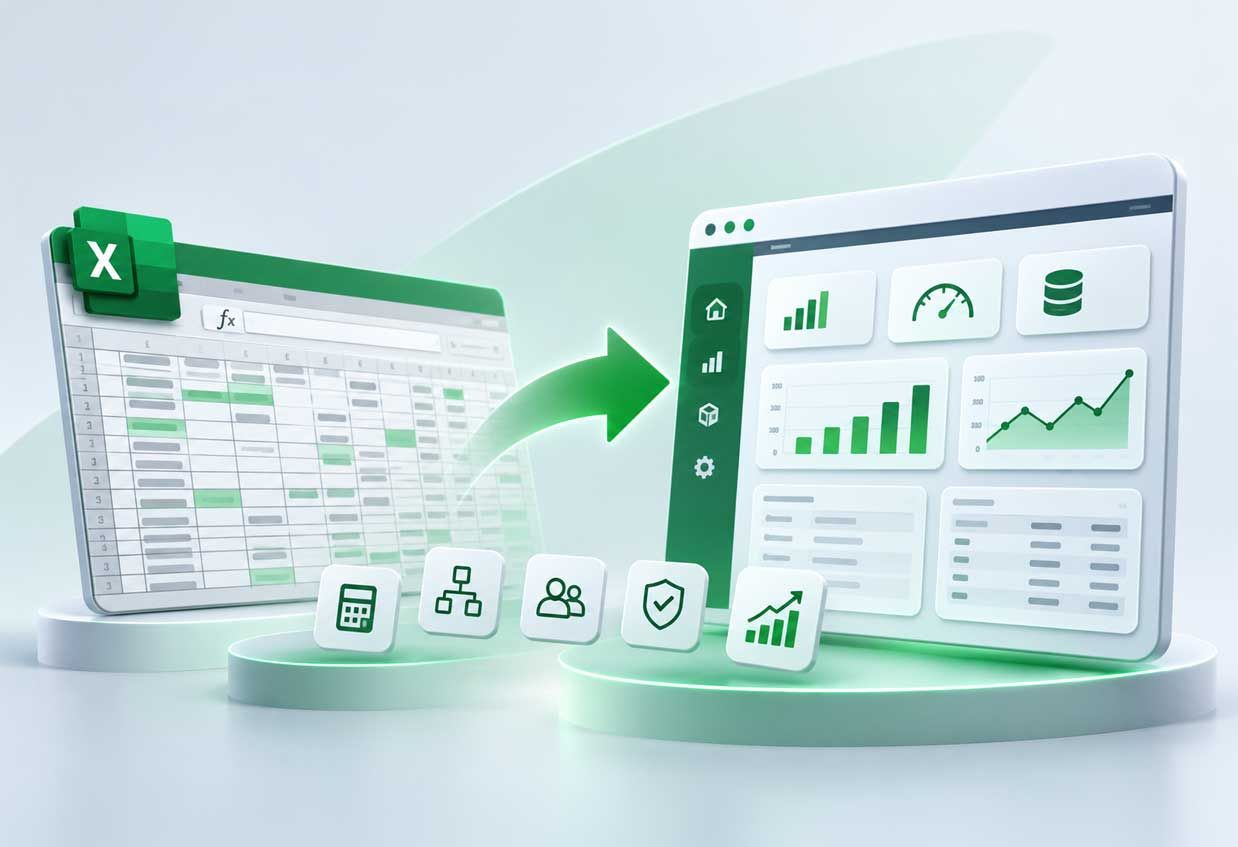
Quick answer: When should you turn a critical Excel model into an application?
When the method is sound but the workbook can’t keep up: runs take minutes, the data outgrows a row count someone had to guess, every variation needs another copy of the file, and only one or two people can safely use it. Keep the logic and rebuild the container. Move the calculation into tested code, check it against the workbook’s own outputs, and put a simple interface and proper sign-in in front of it.
What are the signs a spreadsheet model has outgrown Excel?
The clearest sign is that people work around the model instead of with it. Most good models start in Excel because that’s where an expert can build fastest, so none of this means Excel was the wrong place to start. These are the signs that it’s the wrong place to stay:
Sign | What it looks like | Why it matters |
|---|---|---|
Slow runs | A recalculation measured in minutes, so people batch their work around it | Scenarios stop being explored because each one costs a coffee break |
Pre-sized inputs | Data tabs sized in advance for a row count nobody can predict | A larger dataset breaks formulas or gets quietly cut short |
Copies for variations | A second or third workbook for different versions of the same job | Copies drift apart, and nobody is sure which one is right |
One or two experts | Only a couple of people can run or change it safely | Holidays, sickness and resignations become operational risks |
Long handovers | Explaining the workbook to someone new takes hours | New staff and associates can’t pick up a job on their own |
No audit trail | No record of who changed which input, or when | A result is hard to defend when a client or auditor asks |
It undersells the work | Clients see a spreadsheet screenshot in the deliverable | Specialist expertise looks smaller than it is |
Two or three of these together usually means the model has become part of how the business makes money, and it’s worth treating it like a product.
Should you rebuild the model or buy off-the-shelf software?
If the model is your method, the thing clients pay you for, rebuild around it. Off-the-shelf software is built for the widest possible market, so adopting it usually means changing how you work to fit the tool.
Option | Best for | Trade-off |
|---|---|---|
Keep improving the workbook (Power Query, VBA, tighter structure) | Small models run occasionally by one person | The same limits remain, and macros add their own maintenance |
Buy an off-the-shelf tool | Standard calculations a product already covers well | You adopt the vendor’s method and its roadmap |
Rebuild as an application | A proprietary method, run often, shared across a team or with clients | An upfront build, and it needs a careful check against the original |
A rebuild doesn’t have to be large. The aim is a data product that does what the workbook does, reliably, for everyone who needs it, and nothing more in its first version.
How do you move an Excel model into code without changing the answers?
Treat the workbook as the specification and the acceptance test. The method has already been checked by the people who built it; the job is to move it, not to redesign it.
- Map the workbook cell by cell. List every input, lookup table, intermediate calculation and output, and give each one a name.
- Separate logic from data. Lookup tables and reference values become reference data people can manage, not columns hard-coded into formulas.
- Rebuild the calculation as an engine, with no interface yet. Python is a common choice for engineering and scientific maths because of its numerical libraries.
- Use the old workbook as the test. Run the same inputs through both and compare the outputs until they agree, before anyone relies on the new version.
- Read data to the end of the file. No pre-set row limits; the engine should handle whatever size the data arrives at.
- Keep the exits people rely on. Excel and CSV export mean existing reports and client deliverables carry on unchanged.
- Use the sign-in people already have. Single sign-on through Microsoft Entra ID, for example, means access starts and ends with the account.
Steps 1 and 4 take longer than people expect, and they’re the ones that make the result trustworthy. Most of the effort in this kind of data engineering goes into the checking, not the typing. The European Spreadsheet Risks Interest Group publishes research on what goes wrong when important decisions rest on spreadsheets nobody can easily check.
What does this look like on a real build?
For a marine geoscience consultancy, we rebuilt a Cable Burial Risk Assessment (CBRA) model: the calculation that works out how deep an offshore wind export cable has to be buried to survive a ship’s anchor. The method followed Carbon Trust guidance and the maths was sound. The container wasn’t.
The twelve-tab workbook took around ten minutes to run. It had to be sized in advance for a year of vessel (AIS) data that might be twenty thousand rows on one route and a hundred thousand on the next. It carried only four soil profiles, so a route whose seabed changed along its length needed a second or third workbook covering slices of the same cable.
What we built:
- a Python calculation engine (FastAPI) holding the same methodology, validated against the original workbook’s outputs during QA
- soil profiles as reference data, with each route split into zones that point at their own profile, so one project covers the whole cable
- a React interface with a project list, a six-step setup wizard and tabbed results, including return period against burial depth for each zone
- Microsoft Azure, Azure SQL and Entra ID single sign-on inside the client’s own Microsoft tenancy, with Excel and CSV export
The first version was a fixed-price two-week sprint, scoped to clear the bottleneck rather than build everything at once. It has since grown to include analytics, an audit log, master data and multi-user access, on the same engine.
Where does AI fit once the model is out of Excel?
After the rebuild, not instead of it. Once the calculation is a tested engine with clean inputs, AI can take on narrow, checkable jobs around it:
- checking input data for gaps and obvious errors before a run
- setting up and comparing scenarios when someone asks for them
- drafting the first version of a report from the results, for an engineer to review and sign off
The engine still does the maths. A language model should call a validated calculation, not try to reproduce it. More on how we approach this in our AI systems work.
Frequently asked questions
How long does it take to turn an Excel model into an application?
It depends on the size of the model and how much changes in the first version. Our CBRA rebuild was a fixed two-week sprint because the scope was limited to replacing the workbook for real jobs. Start with the smallest version that does that, then add to it.
Will the numbers match the spreadsheet?
They should, and that’s the acceptance test. Run the same inputs through the workbook and the new engine and compare the outputs before anyone relies on the application. Where they differ, find out why before going further: sometimes it’s the new code, sometimes it’s an old error in the workbook.
Can we still export to Excel?
Yes, and you should keep that option. Excel and CSV export mean existing reports, client deliverables and anyone’s own analysis carry on as before.
Do we have to stop using Excel?
No. People can keep using Excel for analysis and one-off work. What moves is the calculation the business depends on, so it runs the same way for everyone.
What language should the calculation engine be written in?
Python is a common choice for engineering and scientific calculations because of its numerical libraries and how readable the code is for technical reviewers. The language matters less than testing the engine against the original workbook.
Talk through your model
If your team relies on a workbook only one or two people can run, a free 30-minute working session with one of our senior engineers is a quick way to see what rebuilding it would involve. Book a call.