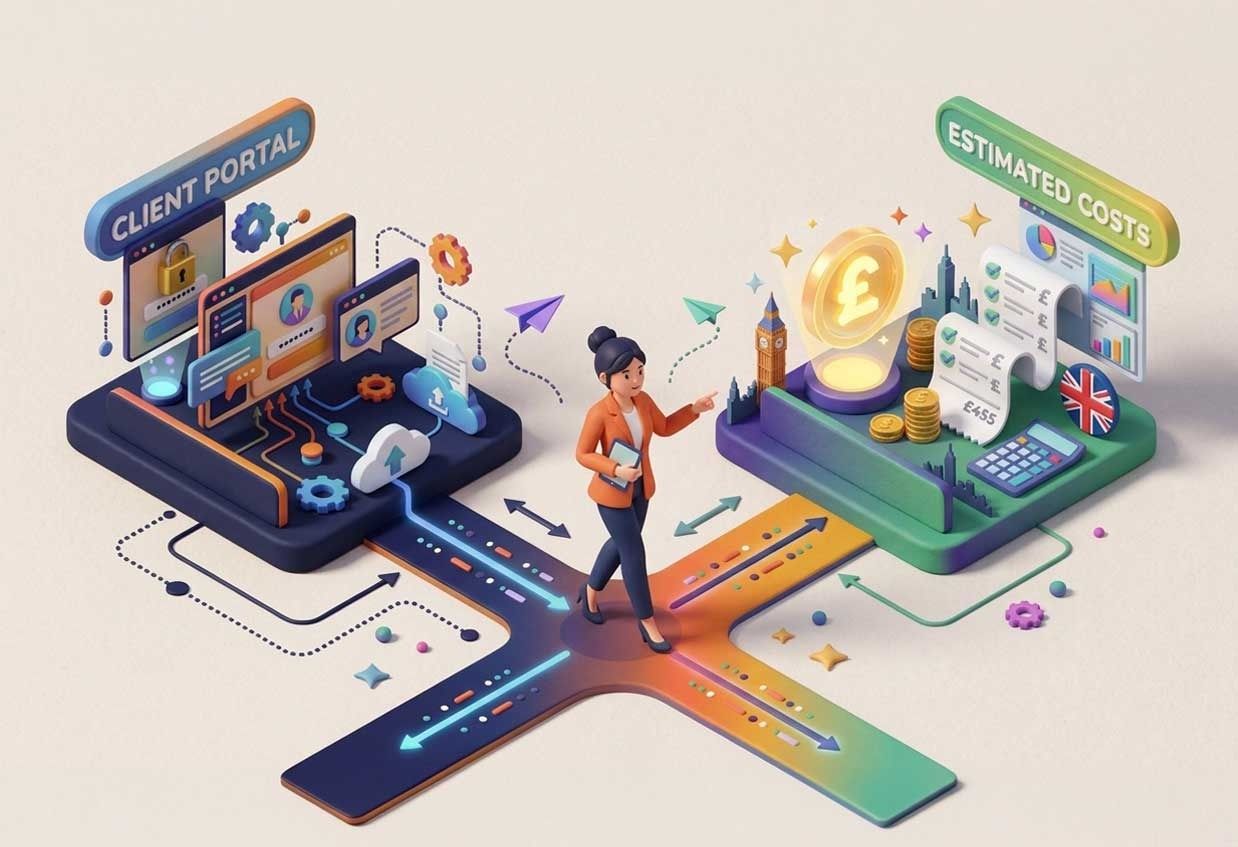
Quick answer: How much does a client portal cost to build?
A focused client portal built by a UK team typically costs £10k–£20k for a first version, £20k–£50k when it connects to several existing systems, and £50k or more with payments, reporting or heavy compliance. The biggest cost drivers are integrations, user roles and compliance, not the number of screens. The quickest way to a reliable number is a short scoping exercise before any code is written.
What counts as a client portal?
A client portal is a secure, logged-in space where your customers do things with you rather than phone or email you about them. Most portals combine some of these:
- Accounts and logins, often with different roles (client, client admin, your staff)
- Documents to view, sign or upload
- Forms and applications that route to the right person or system
- Status tracking for orders, cases, claims or projects
- Messages and notifications
- Payments or invoices
- An admin back office for your team
The mix matters more than the label. A portal that shows documents is a very different build from one that takes applications, checks eligibility against a live data source and pushes results into your CRM.
What does a client portal cost?
Three broad shapes cover most of what UK businesses ask us for. The figures below are ballparks to plan with, not quotes.
Portal type | What’s usually in it | Typical timeline | Typical cost |
|---|---|---|---|
Focused | Logins, one user type, documents or forms, one integration | 2–4 weeks | £10k–£20k |
Standard | Several roles, workflows and status tracking, notifications, 2–3 integrations | 4–10 weeks | £20k–£50k |
Complex | Many integrations, payments, reporting, heavy compliance or high volumes | 3 months+ | £50k+ |
Where a project lands in its range depends mostly on the integrations, which the next section covers. Ongoing costs (hosting, support, security updates) are separate and worth budgeting for from day one; our pricing page sets out the commercial models we use.
What makes a portal cost more?
Integrations are almost always the biggest variable. Connecting to a well-documented modern API is quick; connecting to an old system with no API can take longer than the portal itself.
The main levers, in rough order of impact:
- Integrations. Each CRM, finance system, data source or third-party API adds work. Their quality matters as much as their number.
- User roles and permissions. One user type is simple. Clients, client admins, partners and your own staff, each seeing different things, is not.
- Compliance and data handling. Personal or financial data means access controls, audit trails and data protection designed in from the start. The ICO’s guidance on data protection by design and by default is the UK baseline.
- Data migration. Moving existing customers, documents and history in is easy to underestimate.
- Design and mobile. A portal people finish using takes more design care than one they abandon. If your users are on phones, design for phones first.
- Payments. Taking money adds a payment provider, reconciliation and more testing.
Should you build, buy or configure?
Not every portal needs a custom build. Here’s how the three routes compare.
Route | Best for | Trade-off |
|---|---|---|
Off-the-shelf portal software | Standard needs (document sharing, simple forms) and a small number of users | Monthly per-user fees add up, and you fit your process to the product |
Configure your existing CRM’s portal | Businesses already deep in one CRM with simple self-service needs | Limited by what the CRM allows; custom workflows get awkward |
Custom build | Portals that are core to how you serve customers, or that must connect several systems | Higher upfront cost; you own it and it fits your process |
If off-the-shelf does the job, use it. Custom earns its place when the portal is part of what makes you different, or when the integrations are what it’s for.
Can’t AI build a portal for almost nothing?
Partly, and we use it on every build. The prices above already include AI-assisted delivery, which takes roughly a third off the cost and a quarter off the timeline compared with building the same thing conventionally.
Where AI does the work:
- A clickable prototype in discovery, generated from your requirements. For Cybist Online we turned their scope of work into a clickable prototype of a full operations platform in a single day.
- The groundwork: data models, API endpoints and admin screens generated from the agreed design, so engineers start each part from working code.
- Tests and review: tests written alongside the code, and an AI review pass on every change before a person reviews it.
- Documentation, drafted from the code as the build goes.
What it doesn’t compress: architecture and data design, security review and testing, user acceptance testing, and a person reviewing every change before it reaches production. For a portal that holds your customers’ data, those are the parts you’re paying for.
That combination is how Ternan Energy’s risk-assessment MVP went live after a two-week sprint. A demo that looks finished in an afternoon and a portal your customers can rely on are different things.
What two of our builds show
Two of our energy grants projects are good examples of portal-style builds where the integrations were the point.
For Heater Grants, we built an eligibility journey that checks a homeowner’s property against live EPC data by postcode in seconds, runs a short decision-tree questionnaire, and pushes qualified leads straight into the client’s CRM by API. It went from design to launch in five weeks.
For Insulation Help, we turned a fragmented, manual application into one guided flow that routes each application to the right funding provider through a direct integration, with UK energy grant rules and GDPR built in. That took six weeks, design to live.
In both, the logins and forms were the simpler part; the data checks and the hand-offs to other systems were what the product depended on. That’s typical of where portal budgets go.
How do you keep the cost down?
Scope one journey properly, then build it. The most expensive portals are the ones that try to do everything in version one.
- Start with the journey that saves the most time, such as applications, document requests or status updates, and ship that first.
- Integrate what matters now. Connect the one or two systems the journey depends on; add the rest later.
- Use a proven stack. Well-supported frameworks and cloud services cost less to build and maintain than anything novel.
- Scope before you build. We run a one-week shaping sprint that turns a rough idea into a clear plan and a fixed quote, so you know the number before you commit.
Frequently asked questions
How long does it take to build a client portal?
A focused portal can be live in weeks. Our Heater Grants and Insulation Help builds took five and six weeks from design to launch. Portals with many integrations take longer.
Can a portal connect to our CRM or finance system?
Usually, yes, through the system’s API. The cost depends on how good that API is, which is worth checking during scoping.
Can we get a fixed price?
Yes, when the scope is clear and stable. Fixed quotes include a risk premium for unknowns, so for work that is still evolving, time and materials often costs less overall.
Who owns the portal once it’s built?
You do. Source code, designs and documentation are assigned to you, so your own team or another supplier can pick it up later.
What does a portal cost to run?
Hosting, support and security updates are ongoing costs. They depend on users, data and integrations, and we set them out separately from the build.
Planning a client portal?
Tell us what your customers need to do, and we’ll scope the first version with you, including what it would cost.