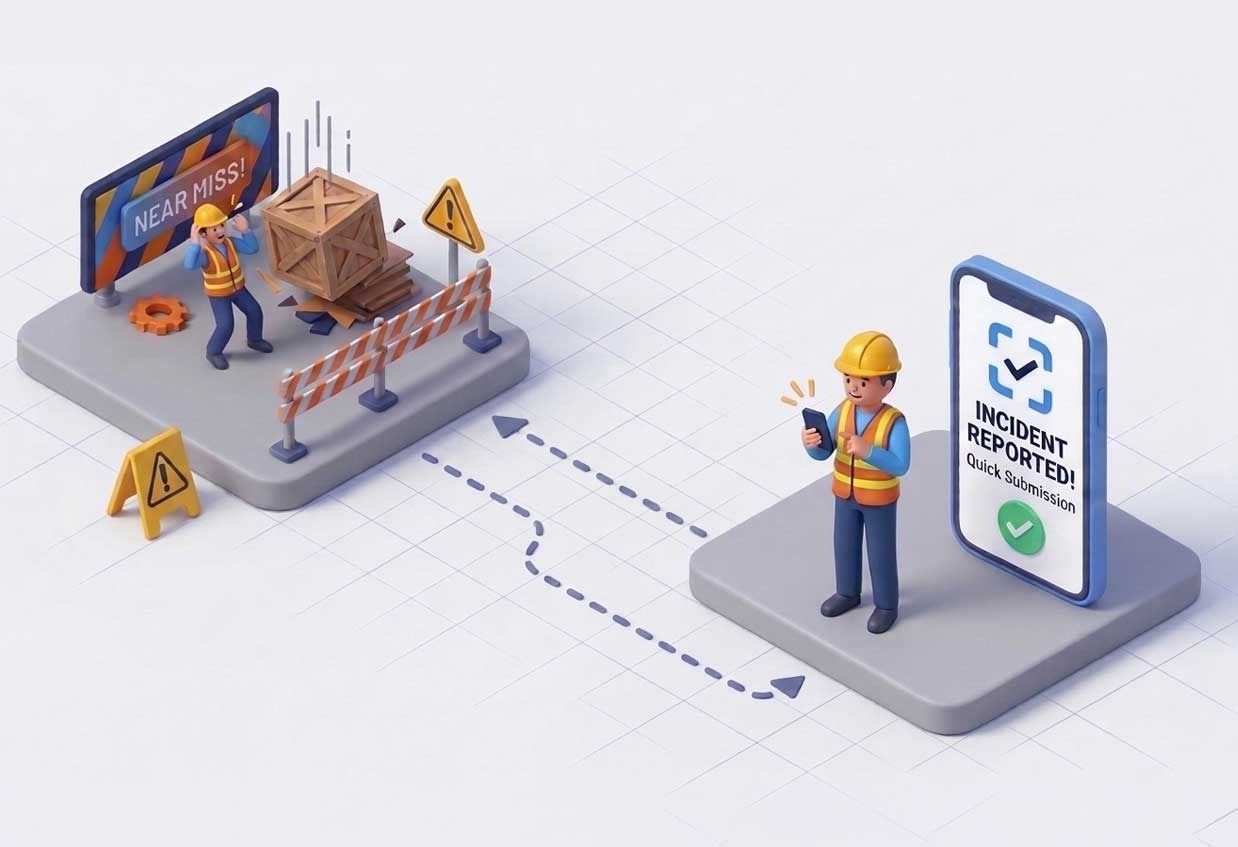
Quick answer: Why don’t workers report near misses?
Mostly because reporting costs more effort than the near miss did. Site teams skip reports when the form is slow to fill in on a phone, when they’re not sure what counts, when they worry about blame, or when nothing visibly happens after they report. Fix those four things and reporting goes up without anyone being told to try harder.
What counts as a near miss?
A near miss is an unplanned event that could have caused injury, illness or damage but didn’t. A pallet that slips off a fork but lands clear. A trip over a cable that ends in a stumble rather than a fall. A scaffold board found loose before anyone stands on it.
Most near misses aren’t legally reportable in the UK. RIDDOR covers specified injuries, some occupational diseases and a defined list of "dangerous occurrences", not every close call (see the HSE’s RIDDOR guidance). That’s exactly why near-miss reporting depends on culture and convenience: nobody is forced to do it, so it only happens when it’s easy and worthwhile.
Why do near misses go unreported?
The reasons are usually practical, not attitudinal. The ones we hear most often from HSE teams:
- The form takes too long. A free-text description, a hazard category, a risk rating, a location and a photo, typed on a phone at the end of a shift. Five minutes feels like a lot for something that didn’t hurt anyone.
- It isn’t clear what counts. If people aren’t sure whether a close call is "serious enough", the safe choice is to say nothing.
- People worry about blame. If a report could land on a colleague, or on themselves, many will keep quiet.
- Nothing happens afterwards. If reports disappear into a system and no one hears back, the next one doesn’t get written.
- Reporting happens away from the hazard. Observations noted mentally on site and written up later lose detail, or get forgotten.
Only the third is mainly cultural. The rest are design problems in the reporting process itself.
How do you increase near-miss reporting?
Make it faster than ignoring the hazard, make it safe, and show people it was worth doing.
Barrier | What helps | What to watch for |
|---|---|---|
Form takes too long | Capture a photo or short video first and fill in the fields from it | Don’t remove the fields the safety team actually needs |
Unclear what counts | Short examples by trade or site type; a "not sure, report it anyway" rule | Example lists that go stale |
Fear of blame | Focus reports on conditions, not people; anonymous option | Anonymous reports that can’t be followed up |
No visible follow-up | Close the loop: tell the reporter what changed | Corrective actions that sit open for months |
Reported away from the hazard | Report on the spot, from the phone already in their pocket | Poor signal on some sites |
ISO 45001 also expects organisations to let workers report hazards and incidents without fear of reprisal, so the cultural fixes aren’t optional extras if you’re working to that standard.
Where does AI actually help?
AI is useful for the typing, not the judging. The slowest part of a report is turning what someone saw into structured text, and that’s the part a vision model can draft from a photo.
That’s how we built Fore-Site, our HSE reporting app. A supervisor or operative takes a photo or a short video. The app suggests the hazard type, category, risk level and a written description, and the person on site checks every field, changes what’s wrong and submits. The same approach covers observations, incidents, inspections and corrective actions (CAPA). We’ve written about how the computer vision pipeline works, and about our wider AI work.
What AI shouldn’t do is decide risk on its own. Every suggested field stays editable, and the safety team still reviews what comes in. A tool that quietly downgrades a hazard because the model was confident is worse than a paper form.
There’s a practical benefit for the safety team too. When reports arrive in a consistent structure, trends are easier to spot: the same slip hazard reported three times on one site in a week is visible as a pattern rather than three unrelated entries. [Fore-Site trend feature wording — to confirm]
What should a good near-miss report include?
Enough for someone who wasn’t there to understand and act on it:
- What was seen, in plain words
- Where, as precisely as possible (site, area, level)
- When
- A photo or short video
- A hazard category and an initial risk rating
- Any immediate action taken (area cordoned off, spill cleaned up)
- Who reported it, unless anonymous
Anything beyond that is usually for the safety team to add during review, not for the person on site to fill in.
Frequently asked questions
Are near misses reportable under RIDDOR?
Generally no. RIDDOR requires reporting of specified injuries, certain diseases and listed dangerous occurrences. Most near misses fall outside it, but recording them internally is good practice.
How quickly should a near miss be reported?
As soon as it’s safe to do so, ideally from the spot where it happened, while the detail is fresh.
Should near-miss reporting be anonymous?
Offer it as an option. Anonymous reports help where people fear blame, but named reports are easier to follow up and close out.
Can AI fill in an HSE report from a photo?
It can draft one. In Fore-Site, the AI suggests the hazard type, category, risk level and description from a photo or video, and the person reporting checks and edits every field before it’s submitted.
What’s the difference between a near miss and a hazard observation?
A near miss is an event that nearly caused harm. A hazard observation records a condition that could cause harm, before anything has happened. Both are worth reporting.
See near-miss reporting from a photo
If your near-miss numbers look suspiciously low, the reporting process is the first place to look. Fore-Site turns a site photo into a draft HSE report your team checks and submits, and you can try it on one site before committing.
Book a call → · Try Fore-Site → [trial link — to confirm]