Week 2 of the High Digital Workflow Automation Series.
Quick answer: Which workflow automation tool is cheapest at scale?
- n8n is usually cheapest for multi-step workflows at volume. It charges per workflow run rather than per step, and self-hosting removes licence fees entirely.
- Make is typically cheaper than Zapier per unit of work.
- Zapier costs more per step but is the simplest to run.
- Power Automate can be the cheapest option if your flows only use standard Microsoft 365 connectors. It gets expensive once premium connectors, unattended bots or AI are involved.
Why are automation prices so hard to compare?
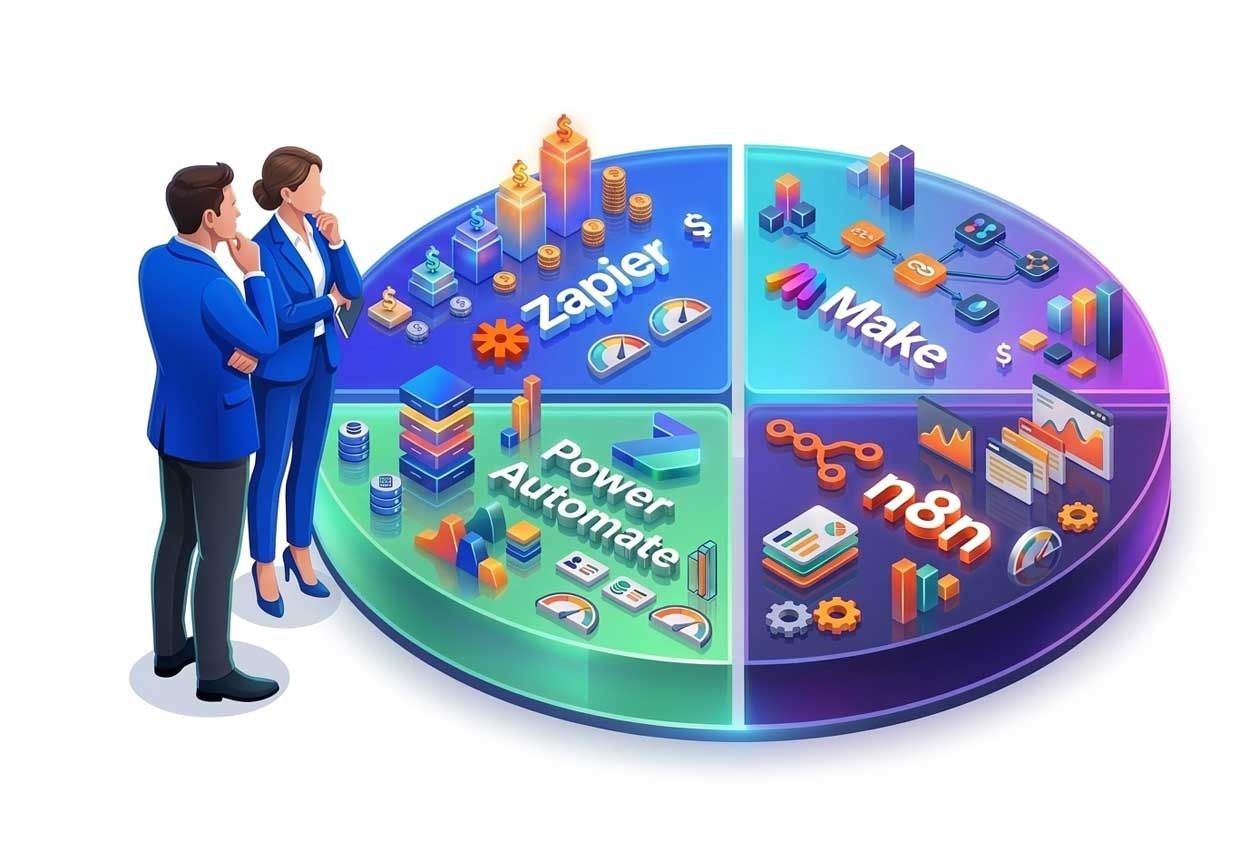
Each platform bills on a different unit:
- n8n: per execution. One complete run of a workflow counts once, whether it has 3 steps or 30.
- Zapier: per task. Each successful action counts. Triggers, filters and formatting steps don’t.
- Make: per credit. Each module that runs uses one, and AI modules use more.
- Power Automate: per user or per bot licence, plus Copilot Credits for AI features.
A cheap headline price on the wrong unit can cost more than an expensive one on the right unit. The only reliable comparison is to price your own workflow.
One workflow, four bills
Take a typical B2B lead-handling workflow, run 5,000 times a month. The trigger is a new form submission, followed by seven actions: enrich the contact, look up the account in the CRM, classify intent with AI, update the CRM, alert sales in Slack, send a follow-up email, and log the lead to a spreadsheet.
n8n: 5,000 executions
That fits within n8n Cloud Pro, which includes 10,000 executions a month at €50/month billed annually. On the self-hosted Community Edition there is no licence fee. You pay for a server and the time to maintain it.
Zapier: around 35,000 tasks
Seven actions × 5,000 runs. That’s far beyond the 750 tasks in Zapier’s entry paid plan, so you’d need a high-volume tier.
Make: around 40,000 credits, plus extra for the AI step
Eight modules × 5,000 runs, including the trigger. That’s four times the 10,000 credits in Make’s entry paid plans.
Power Automate: depends on who runs it and what it connects to
If your CRM uses a premium connector, such as Salesforce, each user who runs the flow needs Power Automate Premium at $15 per user per month. Alternatively, you license the flow itself with a Process licence at $150 per month. The AI step draws on Copilot Credits.
The AI step costs extra on every platform
On n8n you typically bring your own model API key and pay the provider directly. On Make and Power Automate, AI usage consumes extra credits.
What are the hidden costs of workflow automation?
- AI steps. Model calls are billed separately or at higher credit rates, and costs scale with token volume, not just run count.
- Premium connectors. In Power Automate, one integration with a premium system can require a licence for every user who submits to the flow.
- November 2026 licensing change. Microsoft is removing the AI Builder credits bundled with Premium and Process licences on 1 November 2026. AI features then draw on paid Copilot Credits, so re-check any business case that assumed those credits were free.
- Loops, routers and polling. In credit-based tools, iterating over records multiplies consumption.
- Overage. n8n Business bills overage in buckets of 300,000 executions at €4,000 per bucket.
- Self-hosting labour. A self-hosted instance is free to license, but someone must patch, back up, monitor and scale it.
- Governance tiers. SSO, audit logs, Git versioning and separate environments often sit on higher-priced plans.
How do you estimate your automation bill?
- Count monthly runs for each workflow, using your peak month rather than your average.
- Count the billable steps per run, using each platform’s definition.
- Flag every AI step and estimate tokens per run.
- List premium connectors and users. This is essential for Power Automate.
- Add operations time for self-hosted options: hours per month × internal rate.
- Compare at 12 months and 36 months. Automation volume rarely stays flat.
When does cost point to building your own?
If your estimate shows tens of thousands of steps a month, heavy AI usage, or licences for many users, compare it against owning the automation outright. A custom service has an upfront cost but no per-step meter. We cover that decision in Week 6: Build vs Buy Workflow Automation.
How High Digital can help
We audit automation estates, model their true costs, and rebuild the expensive or fragile parts as agentic AI or custom software. If your automation bill keeps climbing, scope your project and we’ll show you where the money goes.
Frequently asked questions
Is n8n cheaper than Zapier?
For multi-step workflows, usually yes. n8n charges once per workflow run, while Zapier charges for each action. For very simple one- or two-step automations, the difference is small.
Is Power Automate free with Microsoft 365?
Partly. Work accounts can create and run cloud flows for their own use with standard connectors. Sharing flows, premium connectors, unattended RPA and AI features need paid licences.
What is a Make credit?
Make’s billing unit. It replaced “operations” in August 2025. Most module runs use one credit, and AI modules can use more.
What changes in Power Automate licensing in November 2026?
Microsoft is removing the AI Builder credits bundled with Premium and Process licences. AI features will draw on Copilot Credits instead.